
Customers see countless videos every day. Some may be used to advertise products, describe services, or provide answers to questions. When there’s so much information available, a broad message might not be seen. That’s where custom video content can come in handy. Rather than presenting the same information to all viewers, companies can develop videos for various segments of customers, products, interests or phases of the buying process.
The problem is it is very time-consuming to create multiple videos. AI video creation offers another route. Businesses can develop various variants of video content without having to make new video shoots for every message. Businesses can leverage Vidnoz AI‘s features and editing capabilities to create customer-centric videos efficiently.
Getting to Know Vidnoz AI
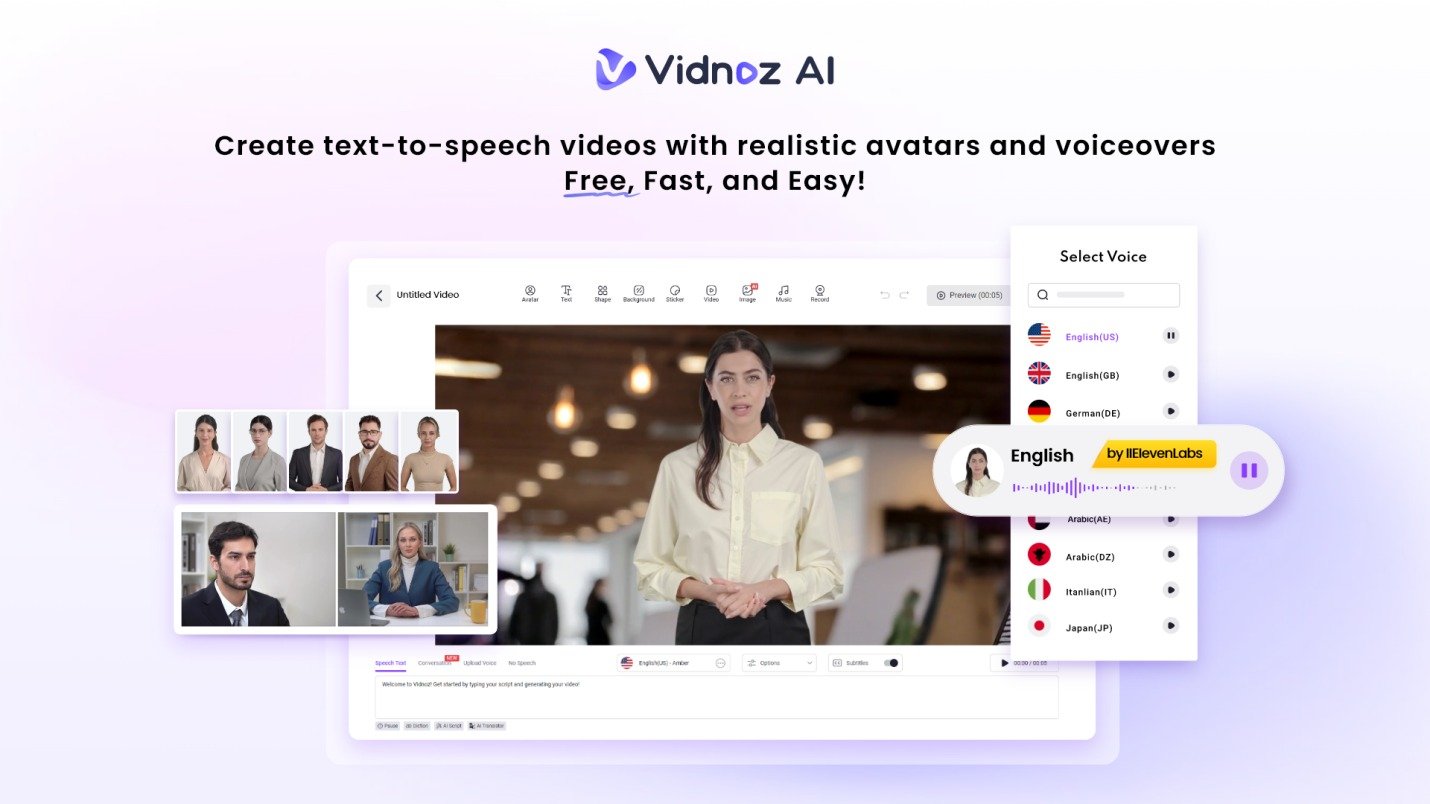
Vidnoz AI video generator is an online video maker that allows you to use AI avatars and voices, templates, and more tools to make videos. It could be used for marketing, sales, and communication with customers, training, education, social media and more.
Security is a key factor for organizations using AI that deal with customer data. Vidnoz AI has become ISO/IEC 27001:2022 certified, a globally adopted information-security management standard. Vidnoz AI is emphasizing this certification as part of its efforts to safeguard information and ensure robust security practices.
If a company wishes to have multiple versions of a message without having to re-create all of the videos, the platform can prove beneficial.
What Makes AI Videos Useful for Customer Engagement?
A customer may respond differently to a product recommendation than an existing customer who already knows the brand. For example, an online clothing store could create
- A welcome video for new visitors
- A product guide for shoppers considering a purchase
- A care-instruction video for recent buyers
- A seasonal recommendation video
- A thank-you message after an order
- A short video answering common customer questions
The core brand can remain the same while the message changes according to the situation. This is one of the most useful ideas behind customer-focused video creation: the video does not need to be completely different every time. The message simply needs to speak to the right audience.
Vidnoz AI Features That Support Customer-Focused Videos
Here are key features of Vidnoz AI to know
2000+ Lip-Sync AI Voices
Voice can influence how a customer experiences a video. A serious product explanation may call for a professional speaking style. While a social media clip might work better with a lighter and more energetic delivery.
Vidnoz AI provides 2000+ lip-sync AI voices, giving businesses a large selection for different languages, tones, and communication styles. The voice can be paired with an AI avatar, allowing companies to create narrated customer videos without recording a presenter for each version.
This can be useful when a business needs the same message in several languages or wants to produce different versions for separate campaigns.
2,800+ Templates for Different Customer Messages
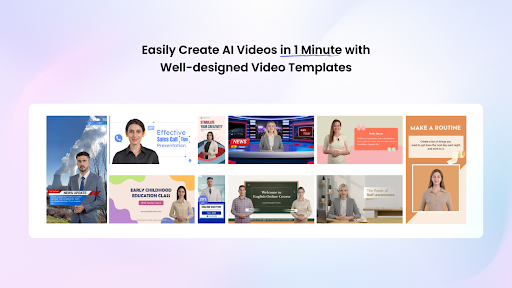
Starting with a blank video project can slow down content production. Vidnoz AI offers more than 2,800 templates, including options for different subjects, layouts, and languages. A business can use different formats for different customer interactions.
For example:
- Product launches: Use a promotional format with strong visuals.
- Tutorials: Choose a layout that gives more space for instructions.
- Social posts: Pick a shorter, visually focused design.
- Customer education: Use a presentation-style template for step-by-step information.
The template becomes the starting structure, while the business adds its own message, branding, visuals, and call to action.
Get 30 Credits for Free
Businesses often want to test a tool before making it part of their regular workflow. Vidnoz AI offers 30 credits for free, giving users an opportunity to explore its video creation features.
A marketing team could use those credits to test different voices, avatars, templates, and video concepts before deciding which formats work best for its audience.
1,900+ Realistic Avatars
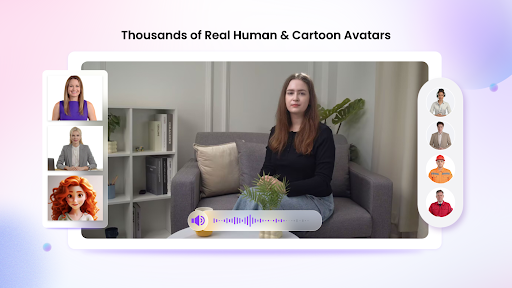
Vidnoz AI provides 1,900+ lifelike avatars representing different professions and roles. These include options that can fit from business presentations to customer support and education to healthcare and other topics.
Companies can explore different avatars depending on how much control they need.
- Avatar Lite offers a quicker way to create an AI presenter.
- While Custom Avatar Pro provides more options for businesses that want a more distinctive digital representation. Users can also create a digital twin capable of speaking in more than 40 languages while reflecting their voice.
- Expressive avatars with natural gestures and facial movements can give customer-facing videos a more active presentation style.
- Motion Avatars add full-body movements such as gestures, posture changes, and expressions, with options for different cartoon styles.
This range gives businesses more choices when deciding how their customer videos should look and feel.
How to Create Customer-Focused Videos With Vidnoz AI?
Here is how to create customer-focused videos using Vidnoz AI
Define the Viewer and Message
Begin by choosing one customer group and one clear goal. Decide what you want viewers to understand, learn, or do after watching. Keeping the purpose narrow makes it easier to create a useful script and avoids filling the video with unnecessary information.
Pick Your Presentation Style
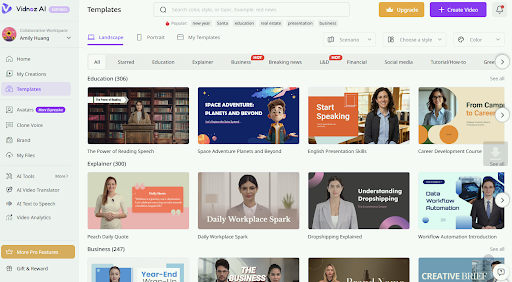
Select a suitable template and an AI avatar for the audience and topic. Think about the kind of relationship that the video will have. A financial service might work best with a professional presenter, whereas a more relaxed style might be suitable for consumer products.
Build the Script and Add Visual Elements
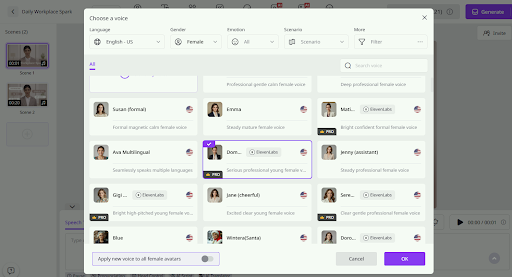
Write the message in a conversational style and select an AI voice that matches it. Then add product images, captions, logos, screenshots, graphics, and other supporting elements. Keep the visuals connected to what the presenter is saying.
Generate, Review, and Distribute
Make the video and carefully view it before sending it to customers. Review voice, pronunciation, text, timing, visuals and call to action. When it is approved, distribute the video via email, social media, product pages, customer portals, or any other appropriate channels.
Final Thoughts
Customer engagement is not simply about producing more videos. It is about giving people the right information at the right point in their journey. Vidnoz AI can help businesses create different video messages without requiring a traditional recording setup for every project.
