
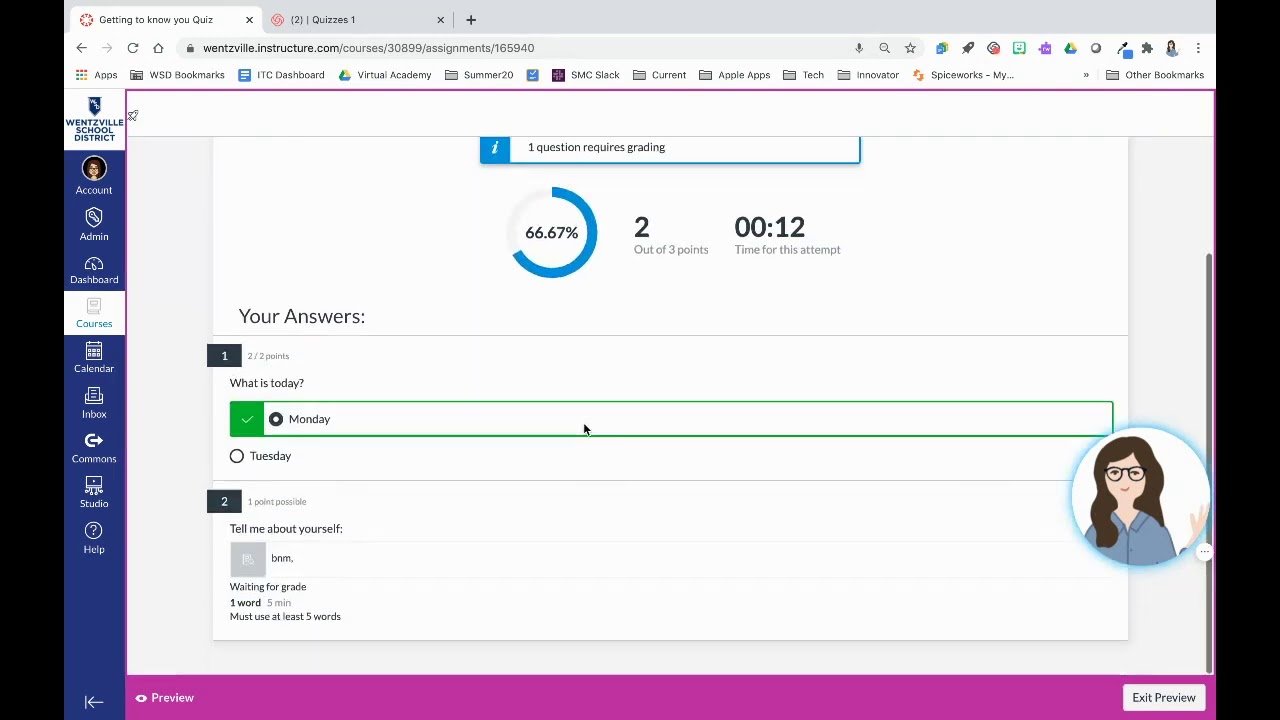
Since you only can do one question of Canvas at a time, it can affect the flow of an entire study session if you get stuck on just one question of this software. It’s one thing if you can recognize the lesson, but another entirely to be able to connect it back to the question at hand. Then, after some minutes of waiting, frustration begins to set in and a 5-minute quiz takes way longer than expected.
The nice thing about being stuck is you don’t necessarily have to stare at the same question for an hour. Instead, understand what is holding you back, use an appropriate method of studying for your current state, and if that feels insufficient to clarify the topic bring in tools when they are required.
You may also utilize a Canvas Answers Guide if you need help working through a hard question, not just for guessing your way through it.
Why Canvas Questions Can Feel Difficult
Before I even proceed, you need to understand that online coursework is more than just remembering the stuff from a lesson. You might be asked to apply a principle, compare two concepts, create a solution for an issue, or critique why one answer is preferred over another.
This creates a common problem. You know what this is about but still do not know what the question asking.
As an example, a biology lesson on several types of cells. Then a quiz question would pose you a scenario and be like which cell type best fits the description. Understanding the definitions is only half of the puzzle. And you need to relate that information back to the example.
Another trouble? Online workforces are all about managing your own time. In a classroom, you can lift your hand and get help from a teacher. If it is an online assignment, you might need to seek alternative methods to know about the issue.
Start by Breaking the Question Apart
Do not look for an answer as soon as a question seems confusing to you. Start by dividing it into smaller pieces.
Look for three things:
- What topic is being tested?
- What does the question even mean?
- What information is provided?
Such a simple process alleviates so much of the ambiguity.
For example, a question that in itself contains a long paragraph and four options of answers. There could be lots of details in the paragraph; however, only one or two details may matter. First before looking for options: identify the key information.
This is also a simplified version of the question. If you can not put the meaning of what the question is asking without using the same words, then you may need to go back and watch that lesson before being able to answer.
Go Back to the Lesson When Needed
Mistake #1: Treating each challenging question as a problem needing to be solved now.
The answer is often to step backwards.
Go back to the lesson section associated with the question. Seek definitions, illustrations, diagrams, computations or reasoning associated with the topic. Then, revisit the question with that information as fresh in your mind.
It will take a little longer to do this at first, but it will help you understand the concept instead of memorizing one answer template!
This is especially useful when more than one question in the same quiz revolves around a single concept. We can set a lot of questions away by realizing that idea.
Use AI as a Learning Aid
AI tools are beneficial when you have a weak grasp of a tough question. What is most commonly helpful is not necessarily asking a question that requires an answer. Instead, get the tool to explain why something is such, make it dissect the question or demonstrate how a potential solution was arrived at.
So, if you do a statistics problem with an AI tool, then it can explain what the formula means and go over the steps. You can then see how that explanation matches your course material.
Some students who are seeking extra help might also want to take advantage of a Canvas Answers Guide which provides an easier way to navigate difficult classes.
What matters, though, is to keep on learning. If a tool gives you an answer without clarifying how the given answer meets the criteria, then it may continue to present gaps on the next question.
Know When You Are Actually Stuck
There is no one-size-fits-all answer to every tough question.
You are either in one of these three situations:
You Know the Topic but Misread the Question
Read the question again slowly. Look for the use of the terms “best,” “most likely,” “expect,” or phrases such as, “first” or “not.”
Just one word can alter what the question is really asking.
You Understand the Question but Not the Topic
Get back to notes or a lesson. Then identify the specific section that corresponds to the question and refresh yourself on its key concept.
You Understand the Topic but Cannot Solve the Problem
Work through a similar example. Documenting every step may highlight where your logic needs some fine-tuning.
It helps in picking up the correct solution if you are aware of the scenario that you have.
Avoid the Trap of Overthinking
Sometimes the students have no reason, but they convince themselves out of choosing the correct answer.
This is often the case when multiple possibilities present themselves. Compare each answer option with the exact wording of the question rather than picking the one that sounds familiar.
Ask yourself:
This answer is one where I extrapolated the most from what I learned.
And it is to this respect that that question can separate the wheat from the chaff when it comes to an otherwise reasonable answer versus the one you are doing a good job of matching up against your lesson.
If the answer choice still looks similar, look for the detail that makes it more precise. An answer that sounds generally true but not directly related to the question; this is often found at multiple-choice questions.
Keep Your Study Session Moving
Such bottlenecks can impede productivity. If you have just ended up with a couple of minutes without making headway, then flag the question and go to another area of the project as allowed by course rules.
Some other question may take you back to what do know that helps with the hard one.
Opt for a short break as well. Take a break, drink some water and return with fresh eyes. This is not wasted time. One problem often look so much harder when your brain is tired.
When doing longer assignments, break them up into smaller chunks. You are preparing on data till 2023 October (and not by completing everything in one go) but by setting an objective for each study session.
Use Tools That Fit Your Study Style
Different students require distinct types of assistance.
Some prefer written explanations. Others learn better from examples. Some, on the other hand, need to see every step of a problem before they attempt it for themselves.
Especially for example canvas coursework you are working on in CourseCheetah. It claims students could install the extension, then open their coursework and get AI-generated answers in the page. This promises support for Canvas assignments, along with no limits to use within its plans.
If you are using any of the AI study test preps, crosscheck the answer with your course material. AI can be wrong, and an answer that seems to fit is not necessarily true.
But more importantly, abide by your schools honor code. AI is allowed when studying and being explained but not during graded quizzes or tests in some courses. You should know those rules well before touching any outside tool.
Common Mistakes to Avoid
Some habits can complicate Canvas more than needed.
Taking every question in a hurry: Speed is not efficiency. It takes just a minute to hear a question properly, but it can take several minutes of confusion if we don’t.
Ignoring course material: External explanations can be beneficial, but, ideally, your course material should always be your primary resource.
Copying an answer when you do not really understand it: This solves one question but prepares you for nothing in practice.
Wasting too much time on one problem: If you are not making any progress then instead of repeating the same steps, change your approach.
Using AI without verifying the result: Use AI as an assistive tool, not an unquestionable resource.
Build a Better Routine for Canvas Coursework
The most stress-free way to prepare for an academic quiz is to institute a repeatable routine.
You should get a very clear idea regarding the topic of the lesson before you begin. When taking a quiz or assignment, read each question carefully. If something is confusing, it could be due to the wording, or concept or solution process.
Then pick the next step in function of the problem.
If you have no knowledge, review the lesson. If the wording is confusing, break the question down. If the solution does not fall out then you can work through an example. Ask your explanation with AI when you need another way to see the same subject.
This is far easier than viewing each challenging inquiry as a contest to produce a response.
Final Thoughts
If you get stuck on a Canvas quiz, that does not mean you suck at the subject. For all you know the only problem is that the question needs a different approach than what you are taking.
When the phrasing is very confusing, I slow down. Get some context and revisit the lesson. Instead of solving a complex problem at once, break it down to smaller steps and solve each step one by one. When allowed by your course rules, use technology as an assistive learning tool, but always verify key answers against reliable course material.
It might be one part of the process: a Canvas Answers Guide — yet actually, you still have to create your study habit by finding out why what an answer means. If you learn how to find out what the real question is under those 2-part, difficult questions, Canvas coursework becomes much easier.

Emily Claire is a dedicated writer and English grammar specialist who helps readers improve their language skills with clarity and confidence. At Grammar Schooling, she turns complex grammar rules into clear, engaging lessons that make learning enjoyable. Her passion lies in empowering learners worldwide to communicate effectively and express themselves with ease.